
On your own GPU: free
Render images, interactive images and 360° videos in your browser with your own graphics card: unlimited on paid plans, 10 on the Free plan. Needs a recent browser with WebGPU.
- 0
- credits per render
- No limit
- on paid plans

vplab Materials AI gives every part a real material. Your STEP file becomes web 3D, AR, studio renders, 360° video and interactive images, all behind one link that updates with every revision.
Measured on the engine shown here with the Low detail setting.
Upload the CAD file you already have. vplab reads every part, placement and color, and keeps every name, so each revision lines up with the last one.
Every part of the 104 MB STEP file, with its name and material, turning right on the page. Drag to turn it.
The light version hides fasteners and uses a coarser mesh, so the link opens in seconds, even on mobile data. On a phone it opens in AR from the same link.
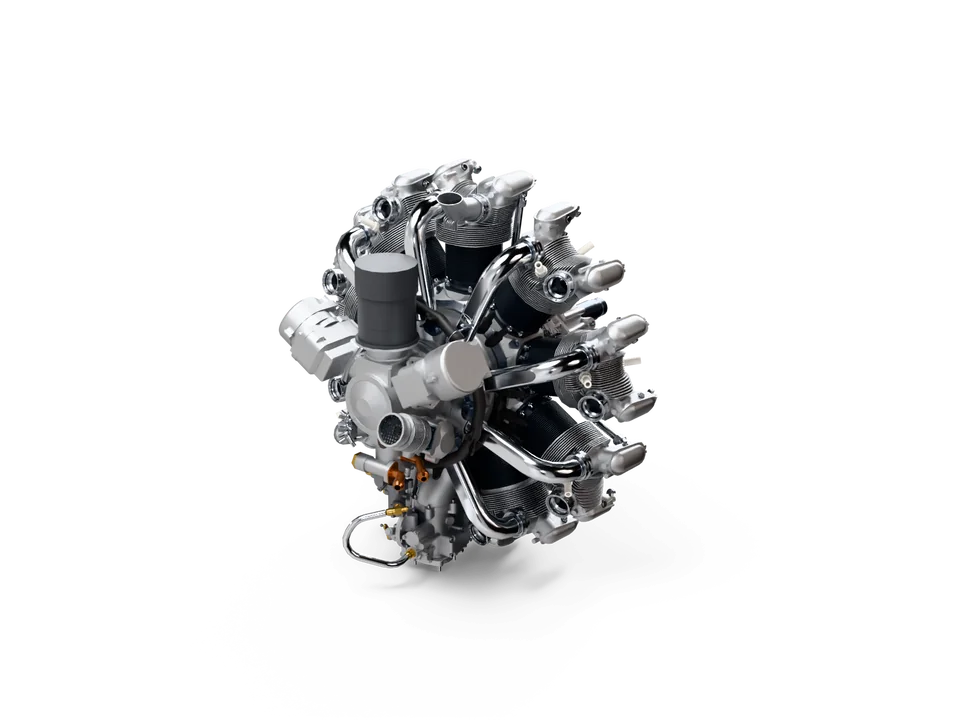
Pick an angle in the 3D preview. vplab traces every ray, with real reflections, shadows and materials, and the same studio turns it into a 1080p video for your product page and social posts.
Five camera moves for your product videos, rendered from the same CAD file. Turn on the exploded view and the parts move apart and come back together, every part in frame.
The product turns once while the camera and lights stay put. Loops seamlessly.
Render images, interactive images and 360° videos in your browser with your own graphics card: unlimited on paid plans, 10 on the Free plan. Needs a recent browser with WebGPU.
No strong GPU, or a big job? Send it to the cloud and keep working. Every 360° video splits across many GPUs at once.
216 photo-real frames from three camera heights. Drag sideways to turn it, up or down to look from below or above.
No 3D engine on the page, so it loads fast and works on any website. Add it with one line of code.
<iframe src="https://vplab.io/s/a1b2c3d4e5" width="800" height="600"></iframe>
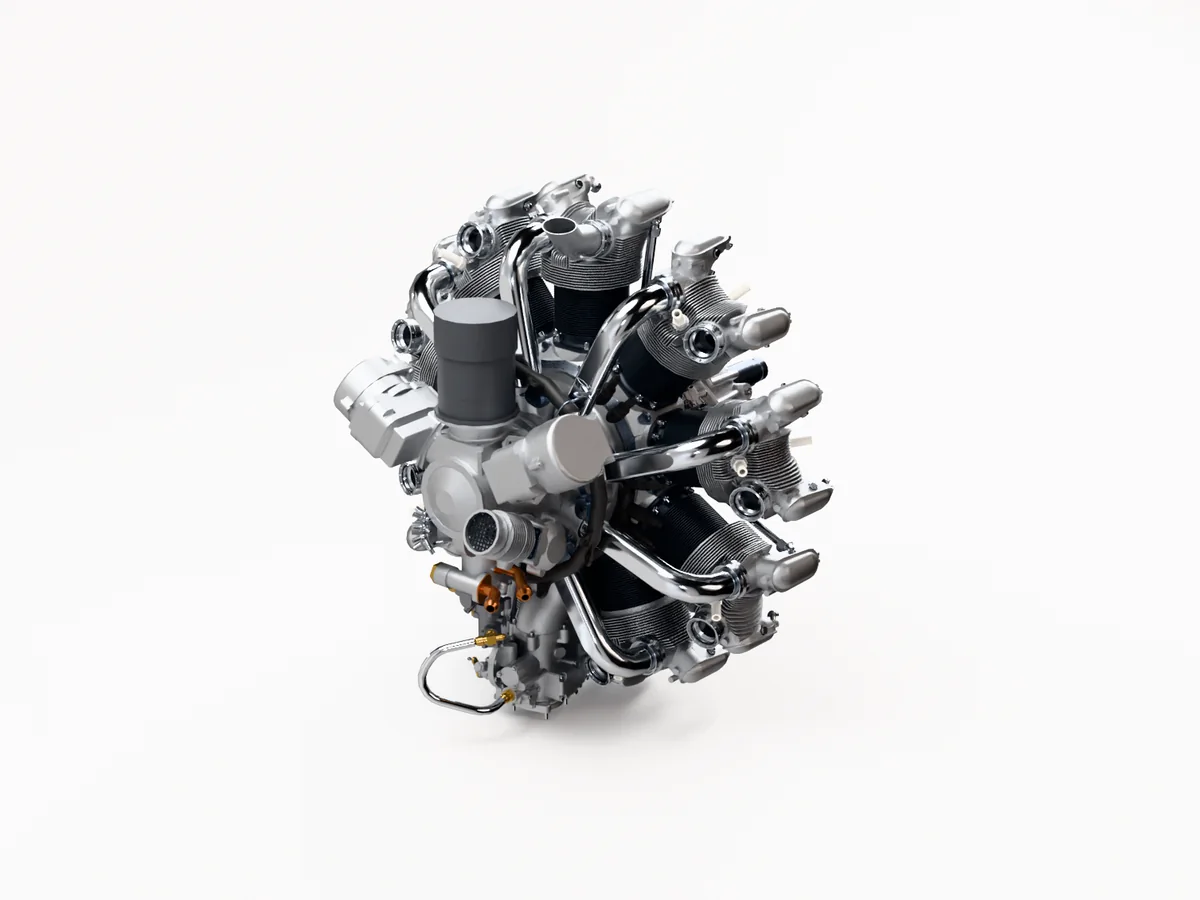 Drag to turn and tilt
Start on the Free plan, no card needed, and choose a plan when you publish more products. Bring a STEP file and we'll help with the first upload.
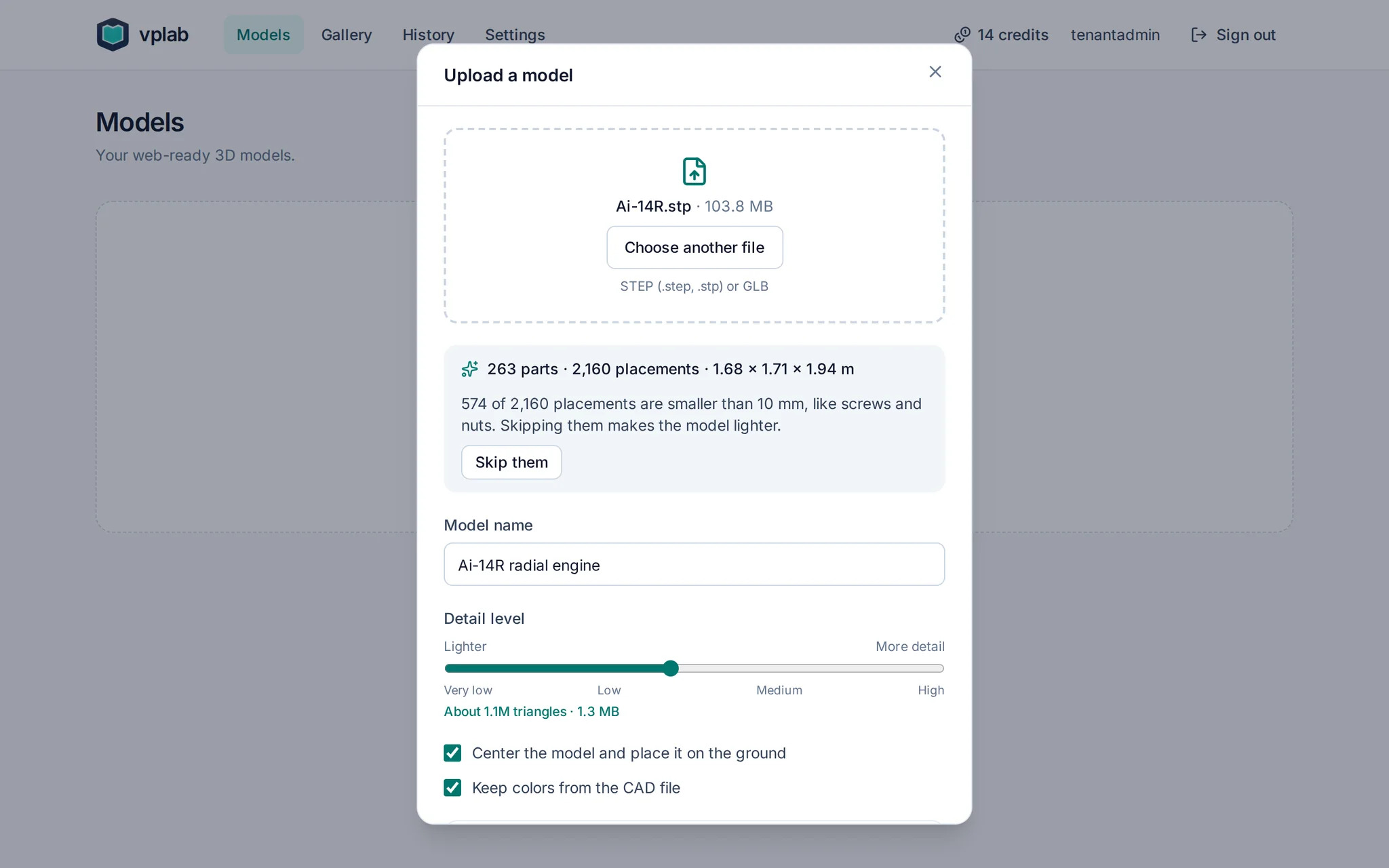
Drop a STEP file from SolidWorks, Inventor, Rhino and more. One slider sets the detail, with a live estimate of triangles and file size.
Revision A is live behind one link, with its 3D viewer, renders and AR. Send it to customers or embed it on your site.
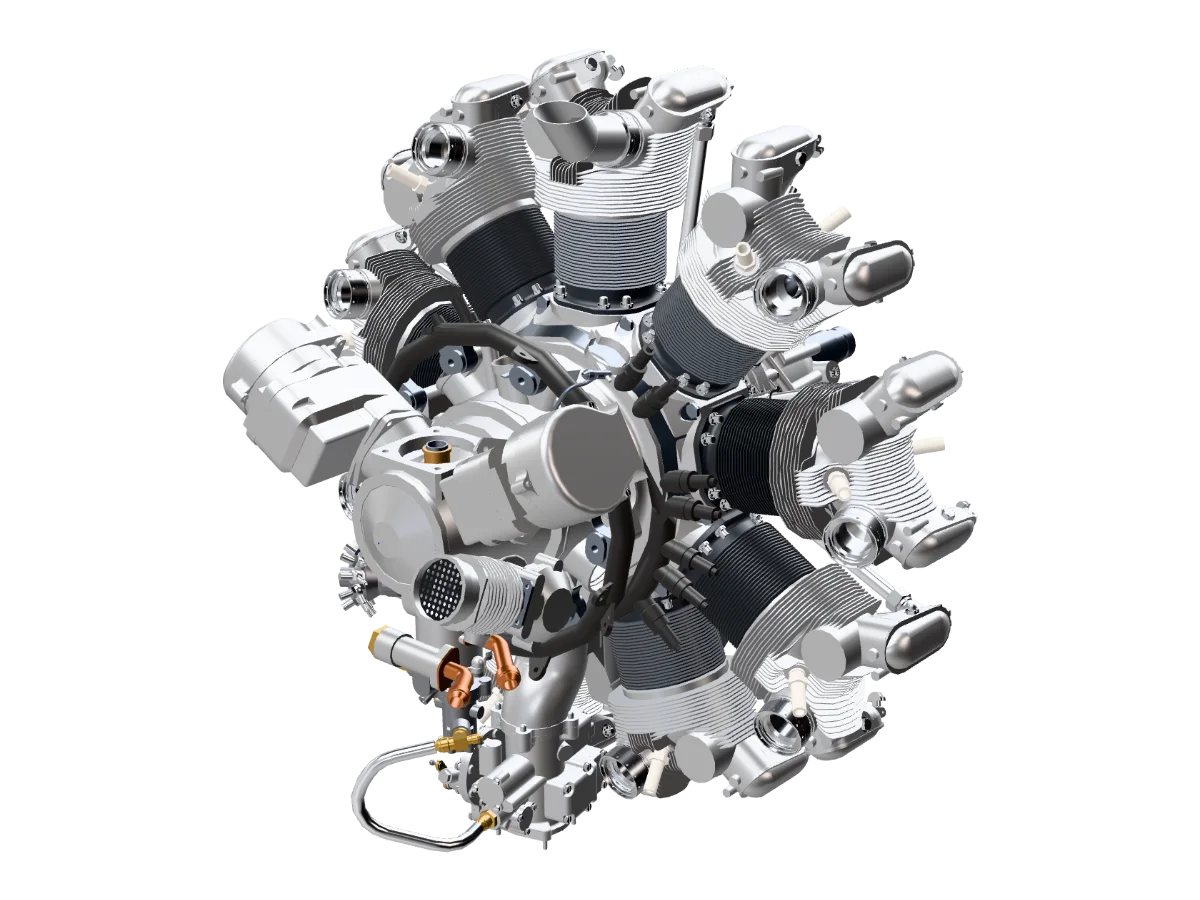 Revision ALatest
Plans are based on the products you publish. Credits for cloud renders and AI are prepaid, so there are no overage charges.
See pricingStraight answers to what manufacturers ask first: where the files live, who sees them and what happens when you leave.
Yes. Sign up with your work email, no card needed. The Free plan has 3 models, 1 published product with the vplab badge, 10 renders on your own computer, and a few cloud images and AI suggestions to try. A free workspace that nobody signs in to for 12 months is deleted, and we email its administrator at least 30 days before.
A product with at least one public link that we host: its 3D and AR page, or an image, interactive image or animation on your website. All the links of one product count once. Your plan sets how many products can be published at once, and you can add more for $3 a month each. Team-only links, files you download and everything inside your workspace don't count, and models, renders and team members are unlimited on paid plans. Views aren't charged.
Cloud renders and AI material suggestions use credits. Monthly plans include credits every month, annual plans include the year's credits up front. Credit packs are for everyone, with or without a plan, and stay valid for 24 months. Credits are prepaid, so there are no overage charges: when they run out, cloud renders and AI suggestions wait until you add more, and your published products stay live. Renders on your own computer are free, and unlimited on paid plans. A cloud render that fails on our side gives its credits back.
Your plan runs to the end of the billing period. After that your account is read-only: you can still sign in, download and export. Public links and embeds keep working for 30 days. Your content and team accounts are deleted 90 days after the subscription ends, and we remind your administrators at least 10 days before.
On our servers in Frankfurt, Germany, encrypted in transit and at rest. Your original file stays there so we can rebuild the 3D model when you change settings or upload a new version. AI suggestions and cloud renders never receive your CAD file.
Your team, with the roles your administrators give them. People you send a link to see only what that link shows: the 3D model, renders or AR, never your CAD file. Our team opens your content only to give support you ask for, to investigate errors, security issues or misuse, or when the law requires it.
A lightweight 3D model for the viewer and AR: a mesh with materials, not your CAD data. It has no solids, features or tolerances, so it can't be used to manufacture your part, and parts you hide are left out. Viewers can save that model, for example to place it in AR, so share what you are happy to show.
No. We don't use your content to train AI, and our AI providers don't either. When you ask for material suggestions, they receive part names and a preview image, never your CAD file.
STEP (.step, .stp) from any CAD tool, for example SolidWorks, Inventor, Fusion, Creo, CATIA or Rhino, and GLB. Export STEP as AP214 or AP242 to keep the colors. The largest file size depends on your plan.
Yes. Every link opens in AR on iPhone and Android, from the same page. On a computer, the page shows a QR code to continue on a phone.
Everything here works today, and paid plans have no feature locks.
Start free, upload a STEP file and get your first web 3D model, render or AR link in minutes. Choose a plan when you publish more products.
Need a demo or an Enterprise plan? Write to [email protected].