
24 frames
A full turn
One frame every 15 degrees, rendered with the same light and materials as your studio images, up to 2048 pixels.
Render an interactive image that buyers turn with a drag: the 360° product view retailers ask for, without a sample, a turntable or a photo shoot.
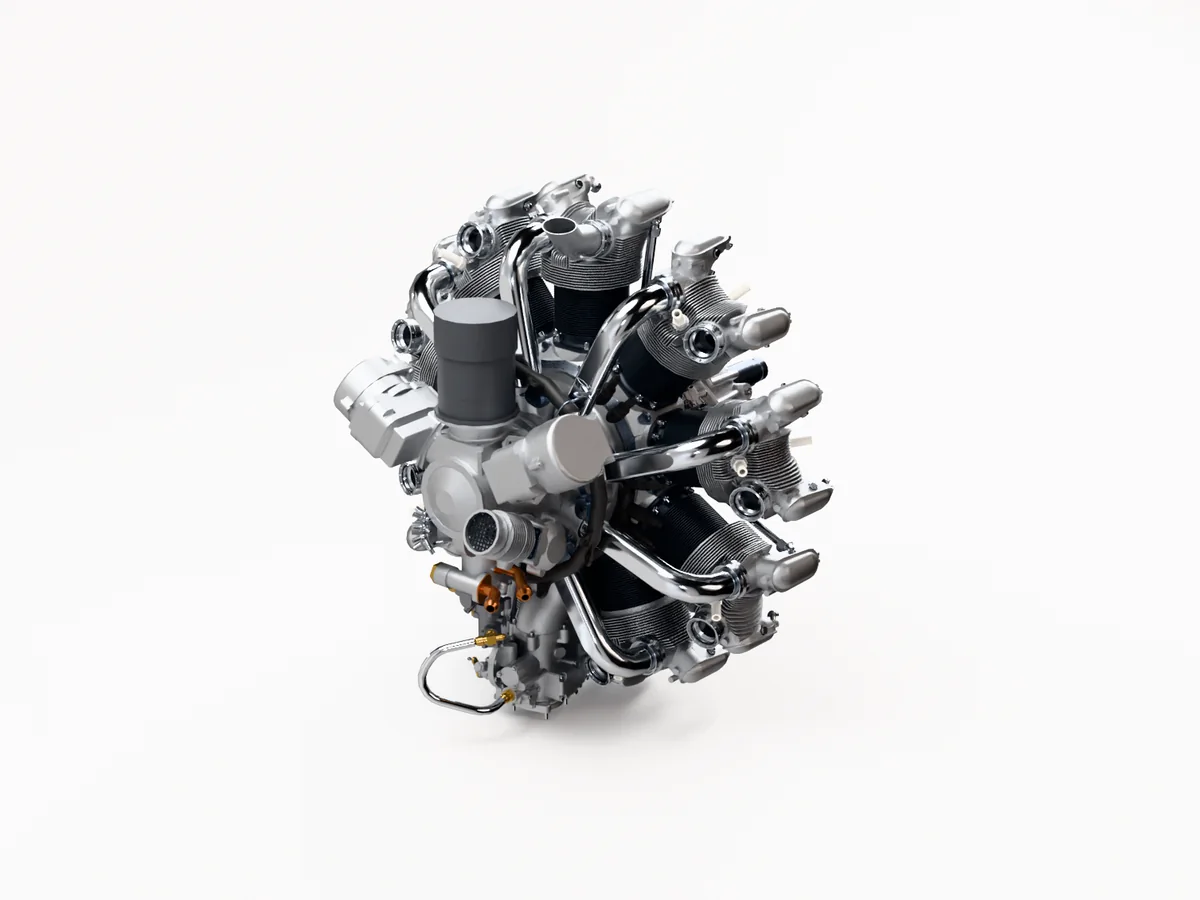 Drag to turn
Embed code<iframe src="https://vplab.io/s/a1b2c3d4e5" width="800" height="600"></iframe>
vplab reads every part and material from the file. No product samples to ship, light or photograph.
Set the angle in the 3D preview and pick Interactive image. vplab renders 24 frames around the product with your materials and lighting.
Paste the embed code into your product page, or share the link. Buyers drag to turn the product, on phones and computers.
24 frames
One frame every 15 degrees, rendered with the same light and materials as your studio images, up to 2048 pixels.
The embed code is a single iframe for any site that accepts HTML, including Shopify, WordPress and WooCommerce product pages. The viewer is light and loads on its own.
No samples, turntable, camera or retouching. A product that isn't made yet can have its 360° view the day the CAD file is ready.
Download every frame as a JPG in one ZIP, for a marketplace or a 360° viewer you already use.
0 credits
Render in your browser with your own graphics card, or in the cloud, where the render button shows the credits before you start.
Refresh the interactive image from the next revision. The embed code stays the same, so your product page shows the new version.
Upload the product's STEP file to vplab, pick Interactive image in Render and render it on your own graphics card or in the cloud. vplab renders every frame from the CAD model.
Copy the embed code from the link and paste it into your product page. It works on any site that accepts HTML, including Shopify, WordPress and WooCommerce.
Yes. Download the frames as JPG files in one ZIP and use them with any 360° viewer or marketplace that takes image sequences.
White or dark, with the lighting scene you pick. For a transparent or colored background, render a still image.
Yes, when its link is public. All the public links of one product count once, so its interactive image, renders and AR use one place in your plan.
Start on the Free plan, no card needed, and choose a plan when you publish more products. Bring a STEP file and we'll help with the first upload.