
1.6 MB
Light enough for any page
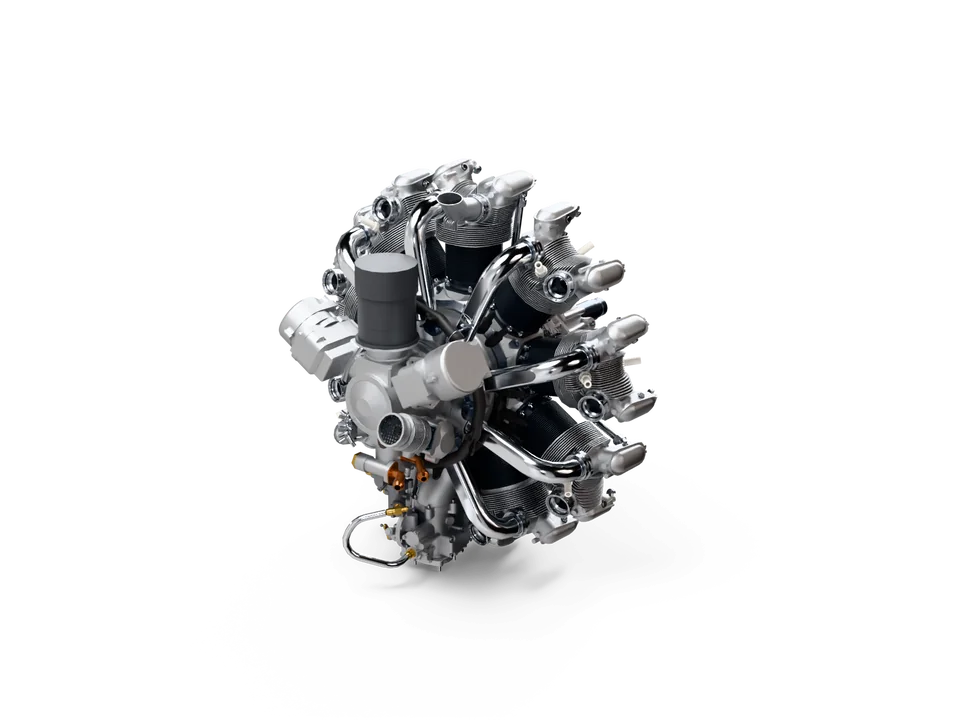
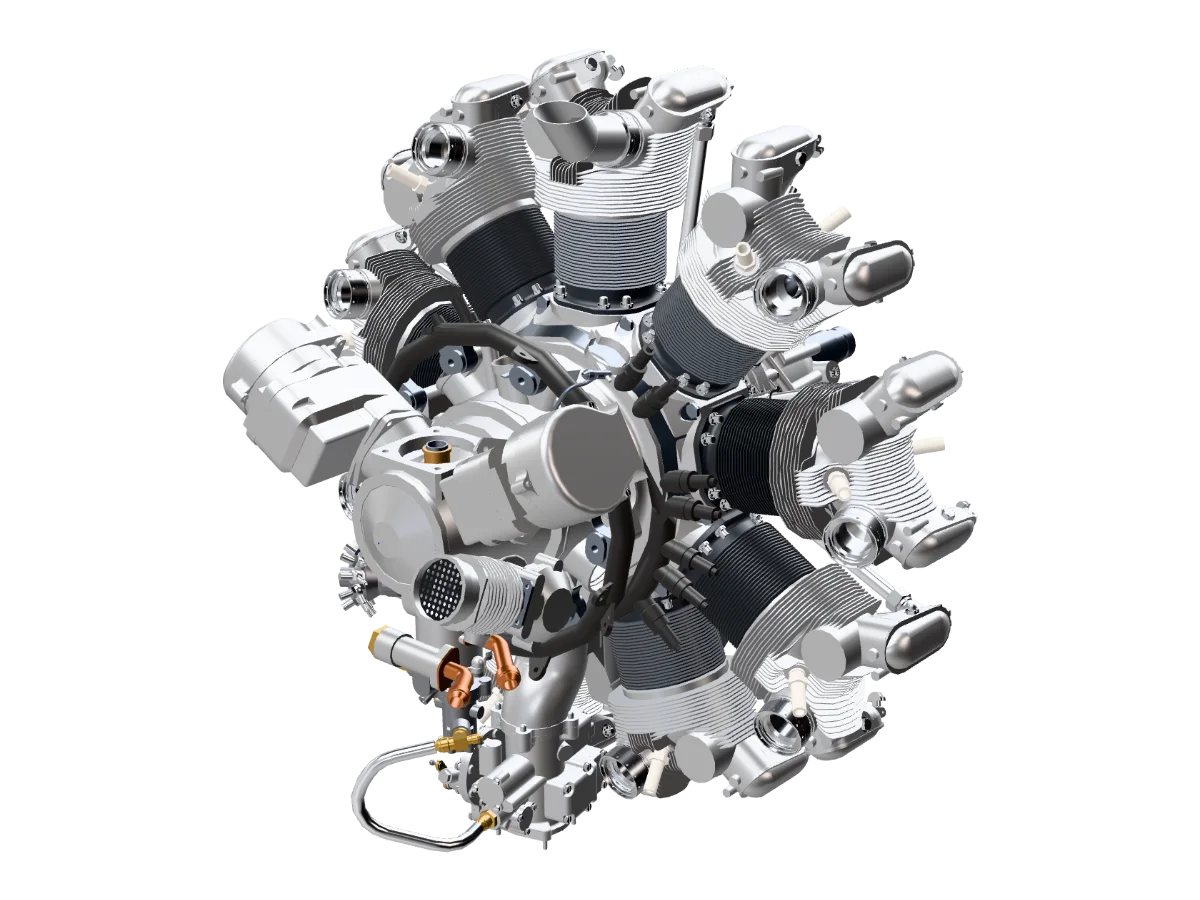
The engine on this page is a 104 MB STEP file with 2,160 parts. On the web it is a 1.6 MB file, ready in under 30 seconds with the Low detail setting.
Upload a STEP file and get a fast 3D viewer with real materials for your product page. Buyers turn it, zoom in and compare variants on screen, and it always shows your latest revision.
STEP from SOLIDWORKS, Inventor, Fusion, Creo, CATIA or Rhino, or a GLB. vplab builds a web-ready model on our servers and keeps every part name and color.
One slider sets how fine the mesh is, with a live estimate of triangles and file size. Hide fasteners and inner parts for a light version, and let the AI give every part a real material.
Paste the embed code into your product page, or send the link. Buyers turn the product, zoom in on any part and switch between your variants.
Revision A is live behind one link, with its 3D viewer, renders and AR. Send it to customers or embed it on your site.
 Revision ALatest
1.6 MB
The engine on this page is a 104 MB STEP file with 2,160 parts. On the web it is a 1.6 MB file, ready in under 30 seconds with the Low detail setting.
Hide fasteners and small inner parts in a click, and give the light version its own coarser mesh. It opens in seconds, even on mobile data.
Upload the next revision and the same link shows it. Part names, materials and hidden parts carry over, and every version stays in the history.
One line of HTML puts the viewer on your product page. Choose which websites may show it, add your logo, and on paid plans remove the vplab badge.
vplab Materials AI gives every part a real material. Save other colors and finishes as variants, and buyers switch between them on the page.
A link serves a lightweight 3D model with materials, never your CAD file. It has no solids, features or tolerances, and parts you hide are left out.
Upload your STEP file to vplab, open Share and copy the embed code. Paste it into any page that accepts HTML, such as a Shopify, WordPress or WooCommerce product page, and add your website to the link's allowed domains.
Yes. Every STEP upload becomes a compressed GLB with materials, and you can download it from the model. For AR on iPhone, vplab also makes the USDZ file for you.
Yes. It works in any modern browser on phones, tablets and computers: drag to turn, pinch or scroll to zoom.
The 3D web viewer shows the product on the screen, inside your web page: buyers turn it, zoom in and compare variants. AR puts the product into the buyer's own room through the phone camera, at real size. Both come from the same vplab link.
No. They get a lightweight 3D model with materials, not your CAD data: no solids, features or tolerances, so it can't be used to make your part. Parts you hide are left out.
The same link and embed show the new revision. Part names, materials and hidden parts carry over, and your renders update in one click.
Start on the Free plan, no card needed, and choose a plan when you publish more products. Bring a STEP file and we'll help with the first upload.