On your own GPU: free
Render images, interactive images and 360° videos in your browser with your own graphics card: unlimited on paid plans, 10 on the Free plan. Needs a recent browser with WebGPU.
- 0
- credits per render
- No limit
- on paid plans
Upload a STEP file, let the AI pick real materials and render studio images on white, transparent or any background. Render free on your own graphics card, or in the cloud.
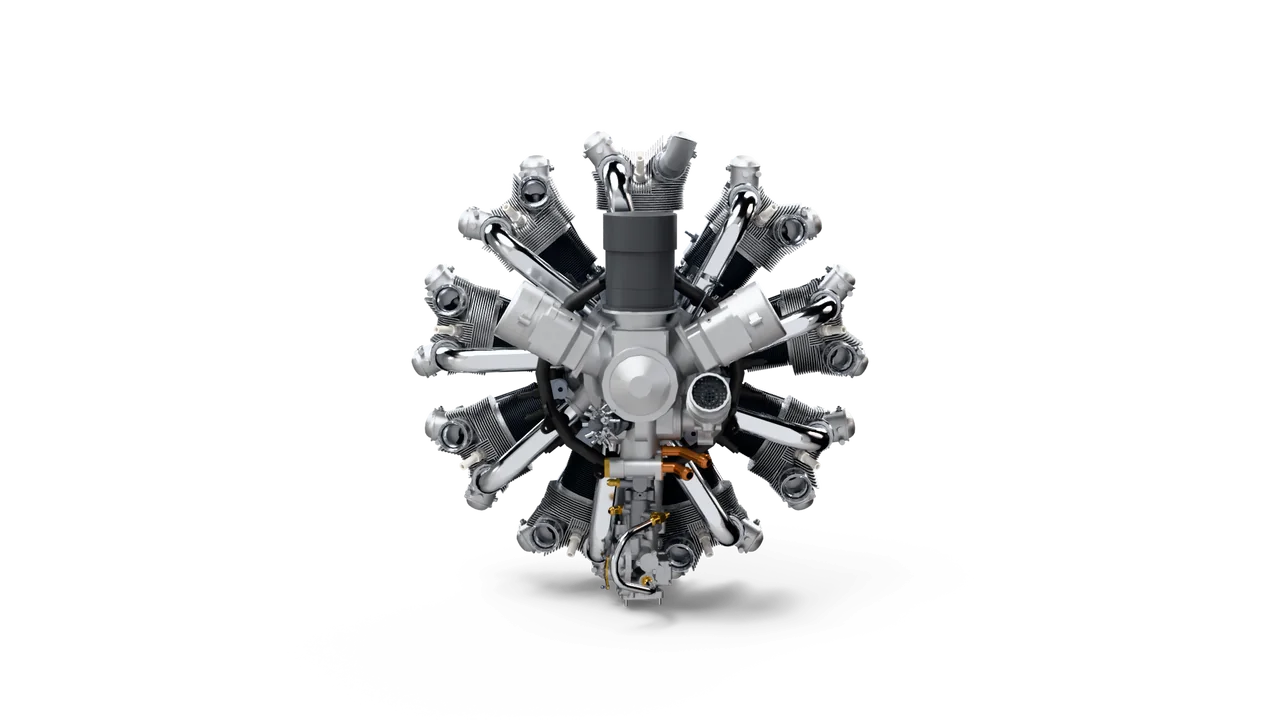
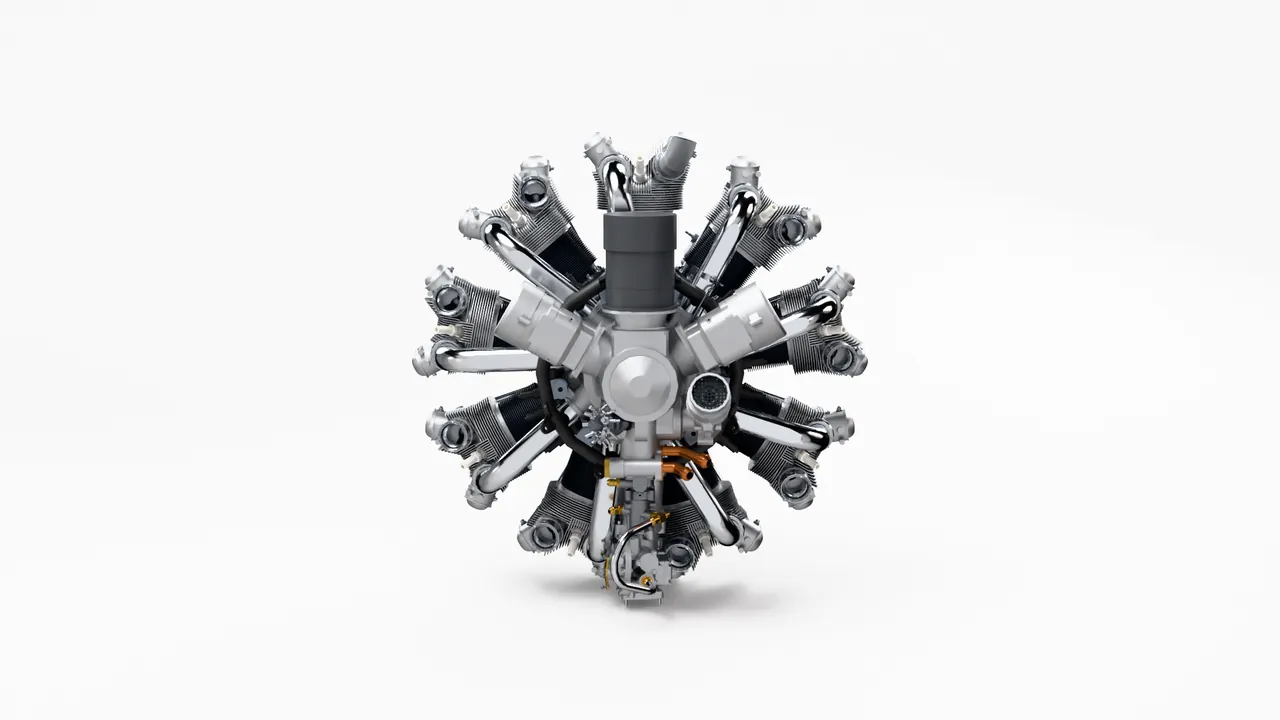
vplab reads every part, placement and color from the file, so the render starts from your real product, not a guess from a photo.
The AI gives every part a real material. Choose a lighting scene, a background, a lens and an aspect ratio, and frame the shot in the 3D preview.
Render on your own graphics card for free, or in the cloud. Download the image, or share a link that always shows the latest version.

vplab Materials AI reads the part names and a preview of your product and gives every part a real finish, like cast aluminum, machined steel or brass. Fine-tune any part from the material library, and save other looks as variants.
Suggestions use credits, and the button shows how many before you start. The AI receives part names and a preview image, never your CAD file, and we don't use your content to train AI.
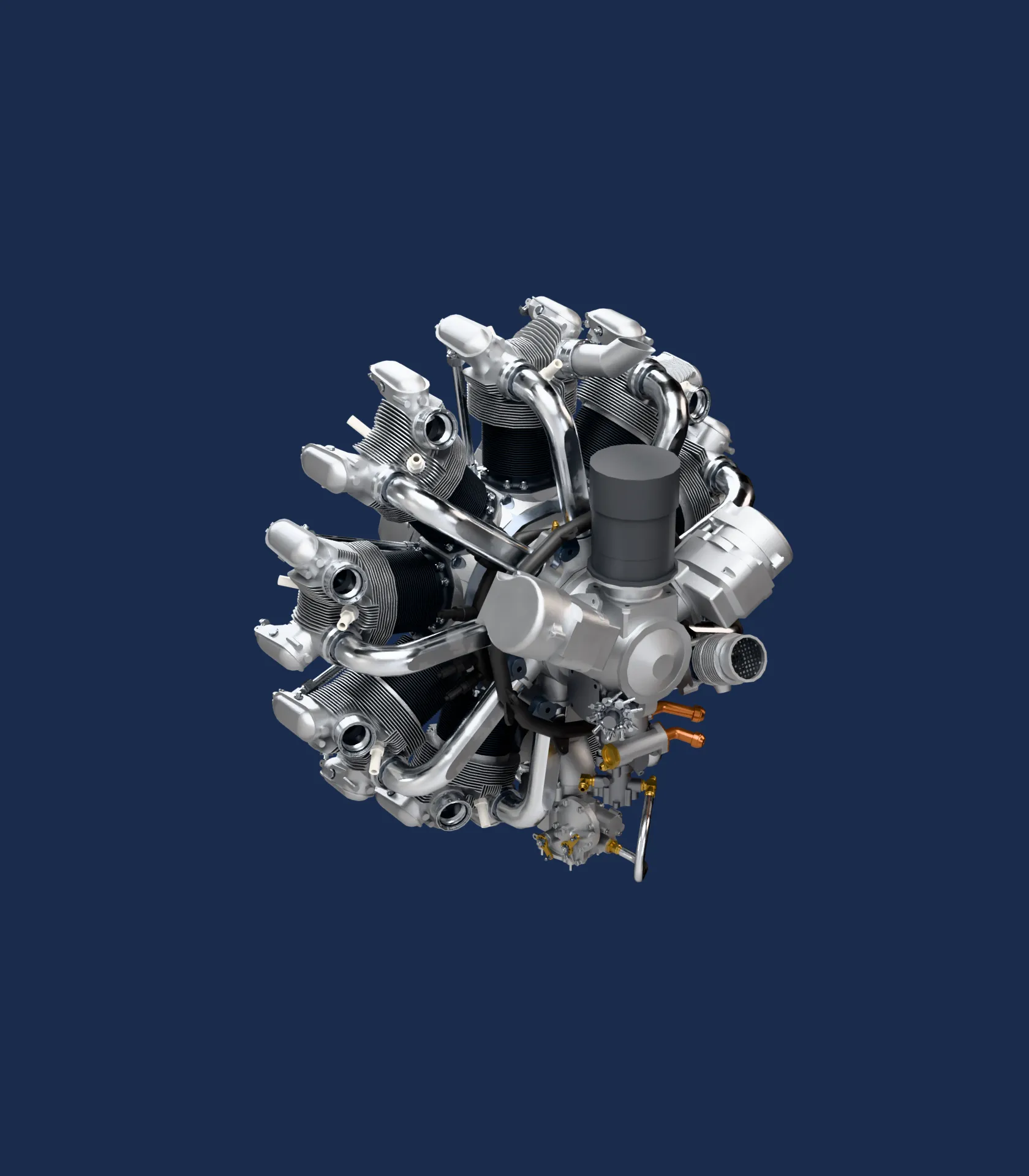
Render images, interactive images and 360° videos in your browser with your own graphics card: unlimited on paid plans, 10 on the Free plan. Needs a recent browser with WebGPU.
No strong GPU, or a big job? Send it to the cloud and keep working. Every 360° video splits across many GPUs at once.
19
Studios, real environments and dark studios, all set up for products. Pick one from the library and see it on your product in the 3D preview.
White, light gray, any color, dark or transparent. Transparent PNGs keep their real contact shadow, so they drop straight onto your shop, catalog or ad.
vplab traces every ray, with real reflections, shadows and materials, then removes the noise. Use draft quality to check a shot and high quality for the final image.
Square for marketplaces, 4:5 for feeds, 4:3 for catalogs, 16:9 for websites and 9:16 for stories, up to 4096 pixels on the long side.
0 credits
Render in your browser with your own graphics card: unlimited on paid plans, 10 renders on the Free plan. In the cloud, the render button shows the credits before you start.
Upload the next revision and refresh your renders with the same camera, light and materials. A link to a render shows the new image right away.
Yes. vplab runs in the browser. Upload the STEP file, set up the shot in the 3D preview, and render it on your own graphics card or in our cloud.
Yes. vplab Materials AI suggests a real material for every part in seconds. Keep your CAD colors, ask for a new color scheme with your brand colors, or change any part yourself.
Yes. Pick Transparent as the background. The PNG keeps the product's real contact shadow, so it sits naturally on any page.
A recent Chrome or Edge with WebGPU and a graphics card. vplab checks your device first and suggests the cloud when a render would take too long.
Rendering on your own graphics card uses no credits: unlimited on paid plans, 10 renders on the Free plan. Cloud renders use credits, and the render button shows how many before you start.
No. We don't use your content to train AI, and our AI providers don't either. When you ask for material suggestions, they receive part names and a preview image, never your CAD file.
Start on the Free plan, no card needed, and choose a plan when you publish more products. Bring a STEP file and we'll help with the first upload.